Skip to content

Diabetes Amigo

Supporting the parents and caregivers of kids diagnosed with Type 1 Diabetes

  • Home
  • Daily T1D
  • Injections
  • CGM
  • Pumps
  • Carb Counting
  • Sick Day
  • Travel
  • Holidays
  • Blog
  • Home
  • #t1dwarrior

Tag: #t1dwarrior

T1D Make Dexcom Stick for 10 Days

Posted on June 29, 2023July 2, 2023 By Diabetes Amigo
T1D Make Dexcom Stick for 10 Days
Tips

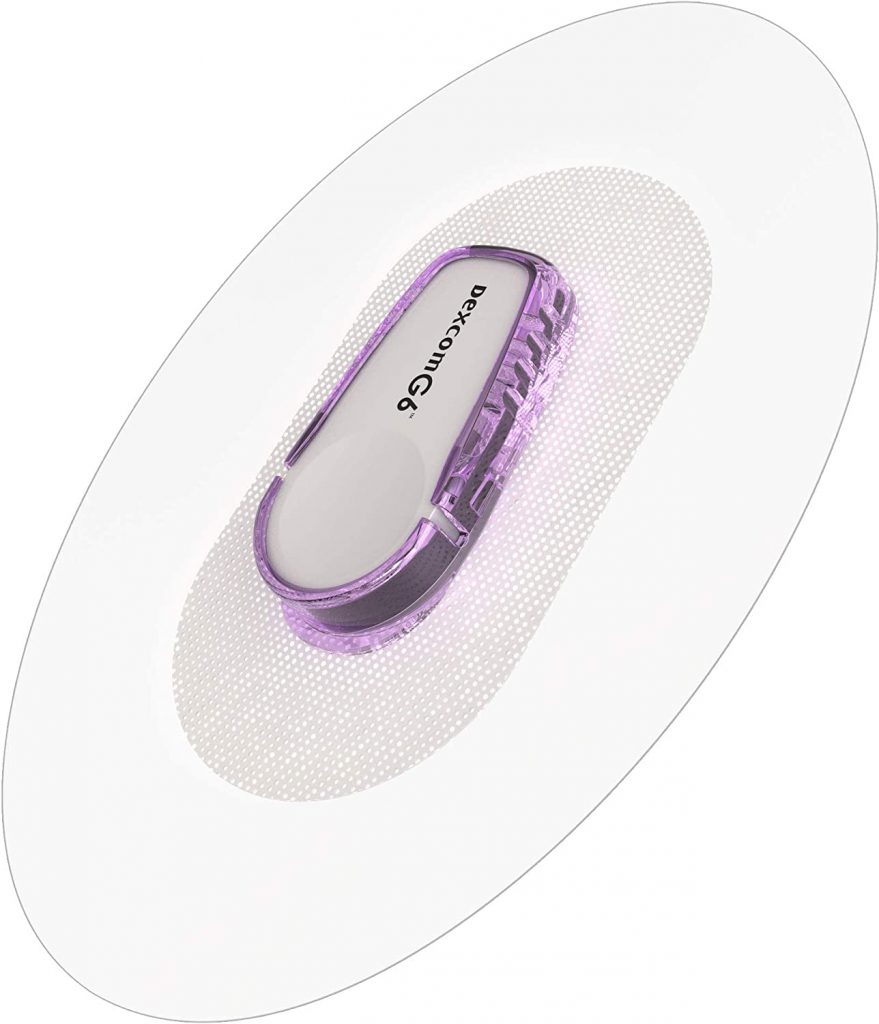
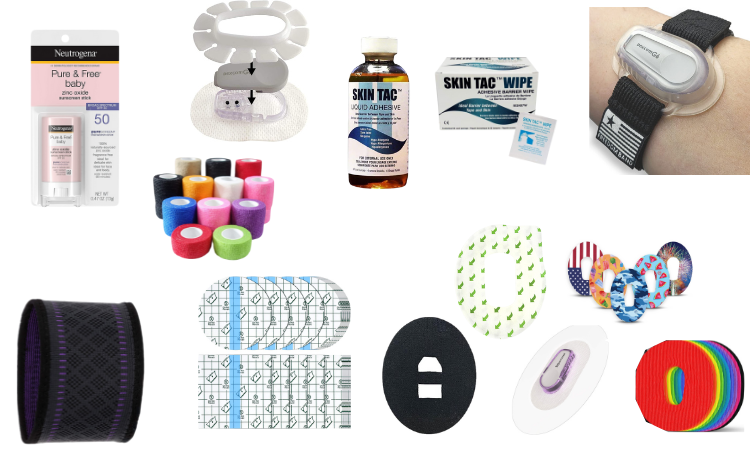
The Dexcom Continuous Glucose Monitor (CGM) has an adhesive patch that adheres to the body and is expected to last 10 full days. Daily life (baths, swimming, heat, etc.) and your personal skin can cause the CGM’s adhesive patch to fail. Add extra adhesive or utilize accessories to help keep the Dexcom sensor adhesive patch, sensor wire and transmitter securely in place for 10 days.

Extra Adhesive / Accessories / Sunscreen

This post may contain affiliate links. Please see the affiliate disclosure for more details.

Extra Adhesive
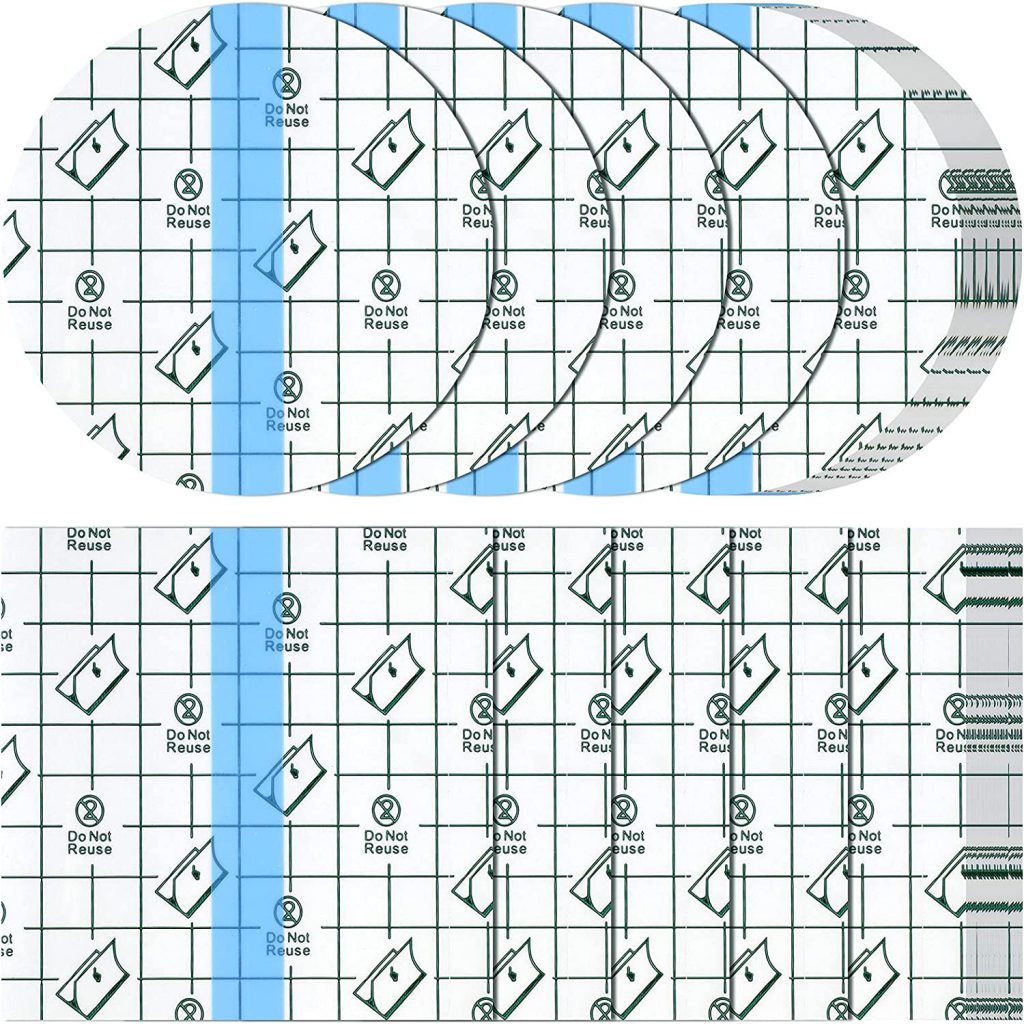
Clear Film Dressing Tape Precut

Clear Film Dressing Tape – cover entire Dexcom in a transparent adhesive bandages that makes a watertight seal over the CGM. Precut in circle and square shapes to cover the Dexcom on various site locations. If you like to make your covers, the clear film can be purchased in a roll.
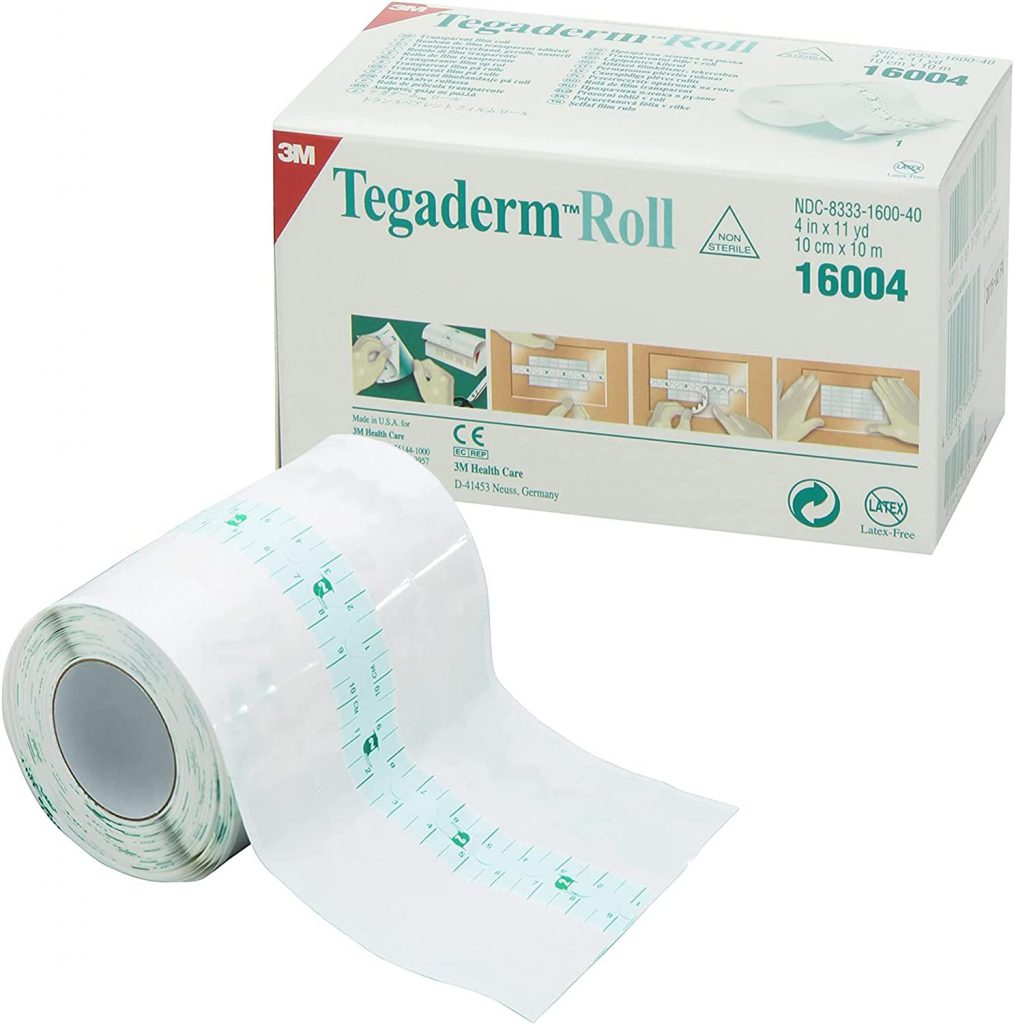
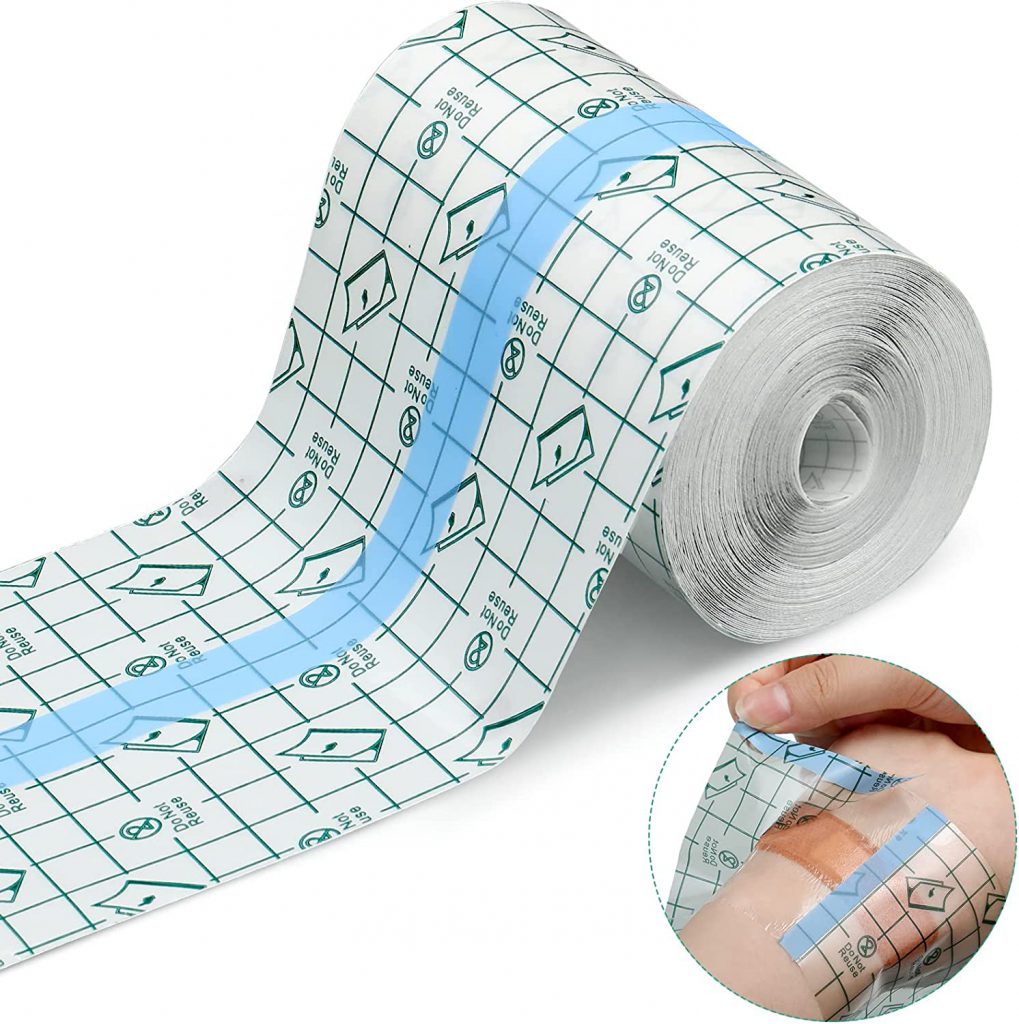
Tegaderm Roll
Roll of Film Dressing
Lexcam Overpatches (latex free)

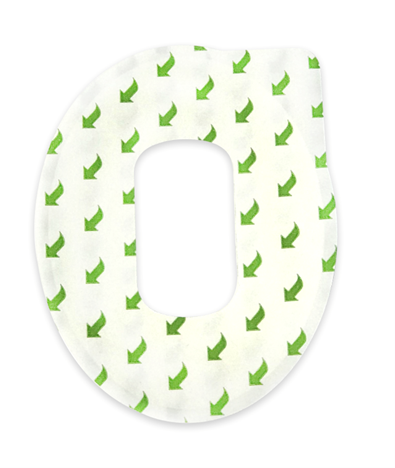
Overpatches – add an extra adhesive patch over Dexcom’s initial adhesive patch. Overpatches are typically precut to fit over the transmitter (and available in various colors and designs). Dexcom supplies free overpatches via an online ordering form.


Colored
Designs
Free
Strap
Dexcom Shield

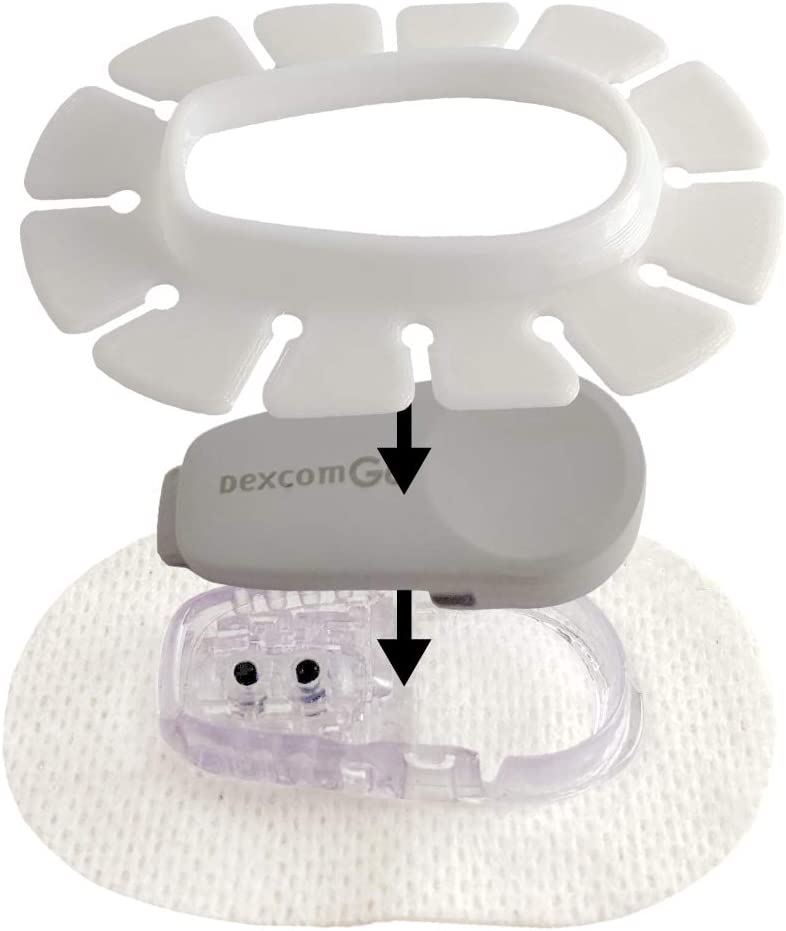
Shield – Add a shield before applying an overpatch to your Dexcom CGM to allow for easy removal of the overpatch. The shield protects the CGM’s initial adhesive patch when applying/removing an overpatch. When the overpatch starts to peel at the edges, simply remove the extra overpatch without disturbing the CGM’s initial adhesive patch.
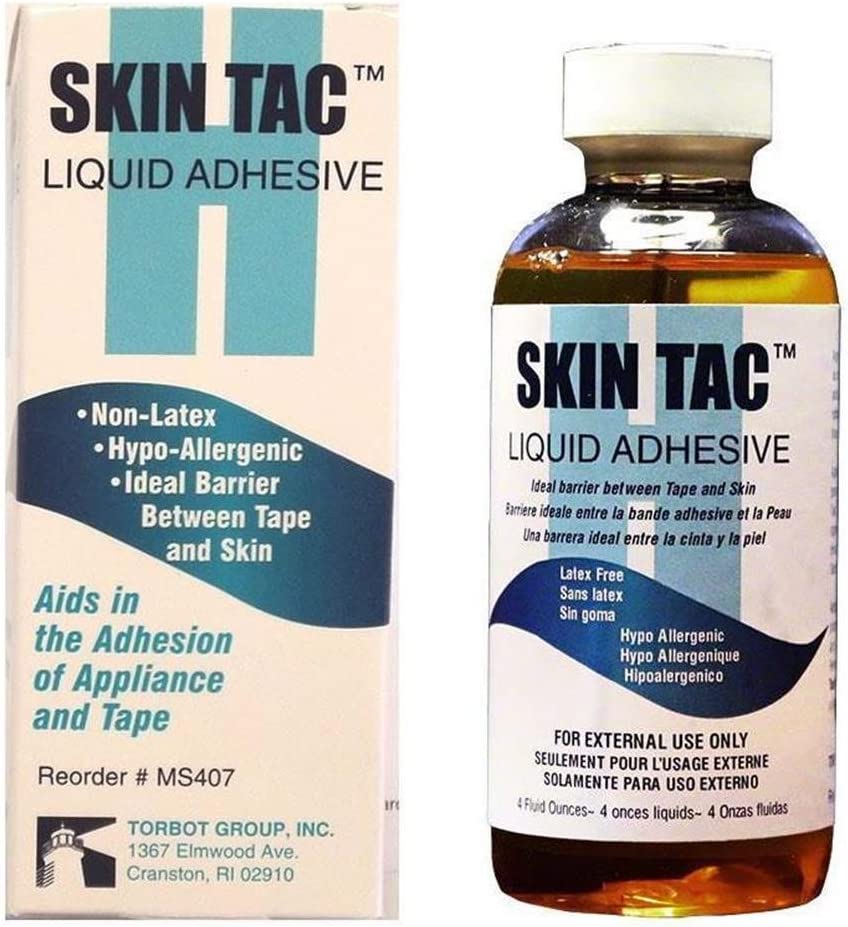
Skin Tac Liquid Adhesive

Liquid Adhesive – Adding an adhesive barrier with liquid adhesive before applying a Dexcom sensor provides skin protection and extra adhesive to the sensor’s initial adhesive patch. A second layer of liquid adhesive on top of the sensor’s patch provides even more sticking power. Further, apply liquid adhesive to the edges of an adhesive patch that starts to peel-up from daily wear-and-tear. Purchase in economical bottle or in travel wipe size.
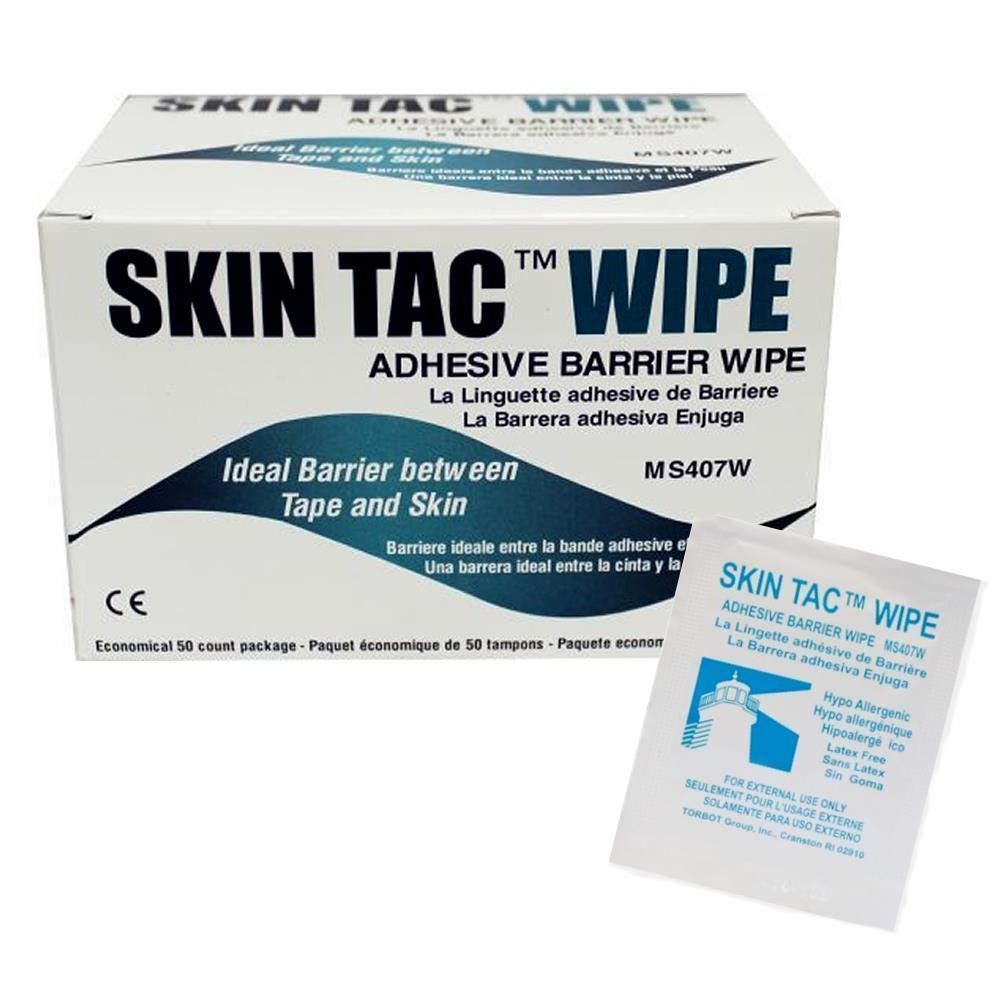
Skin Tac Wipes

Accessories

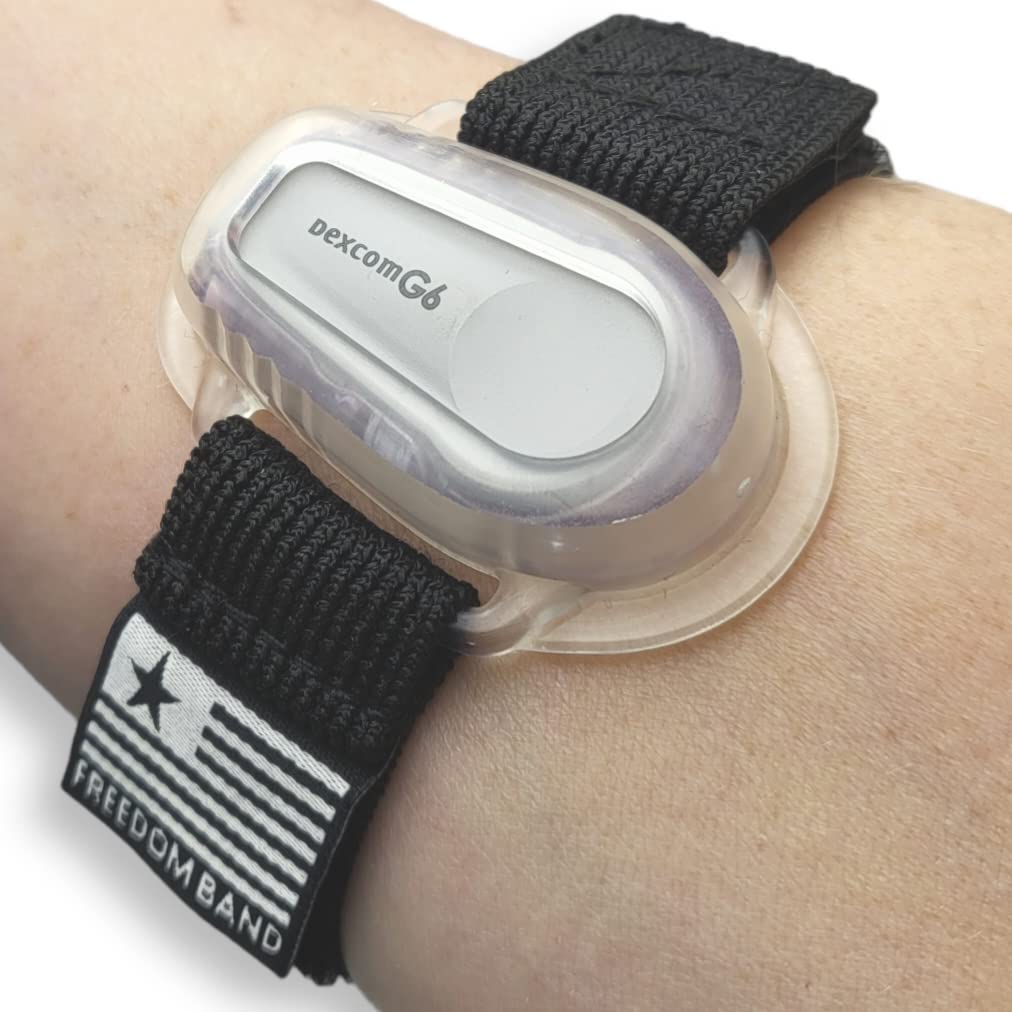
Dexcom Arm Band

Arm Bands – Arm bands can worn over a Dexcom sensor’s initial patch and transmitter or be used in addition to overpatches. Adding an arm band over a sensor’s initial adhesive patch can help during water activities (be sure to keep the arm band on until the adhesive patch dries to help keep the adhesive patch and sensor wire in place).
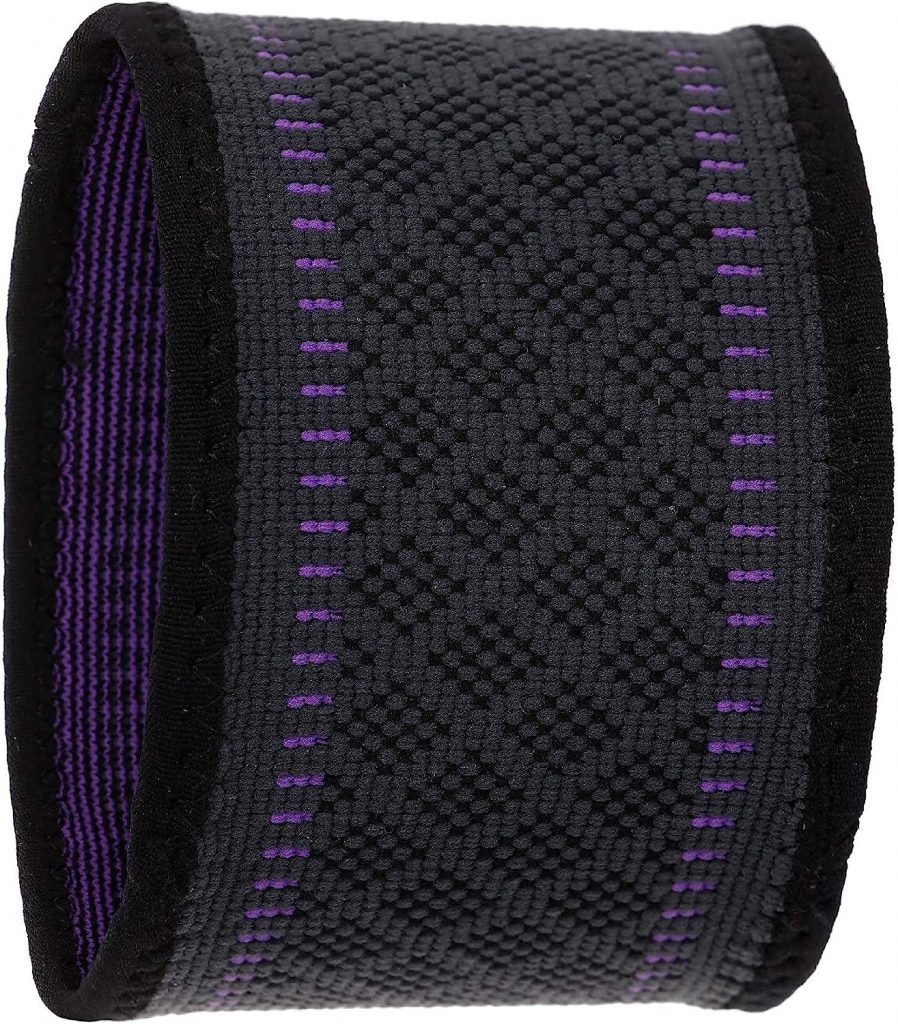
Compression Band

Compression Band – wear a compression band over a Dexcom sensor and transmitter to protect the CGM from being ripped off your body and during water activities (wear in water and then wear the compression band until the band dries to help keep the adhesive and sensor wire in place).
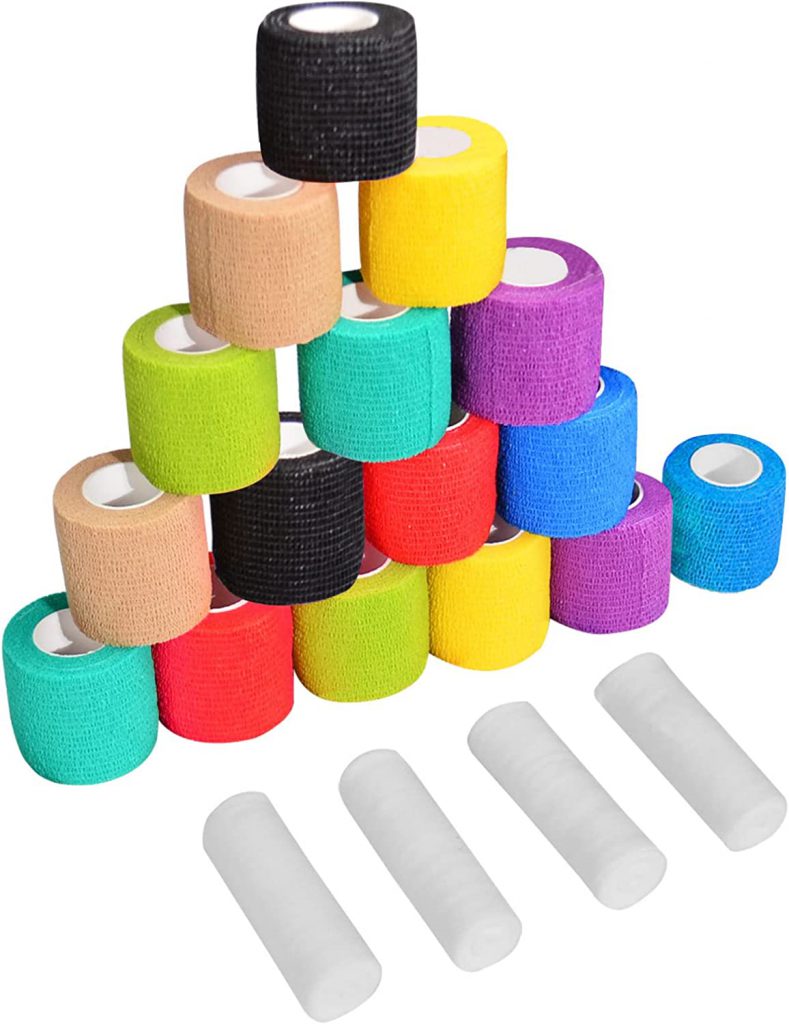
Vet Wrap

Adhesive Bandage Wrap (a.k.a. Vet Wrap) – comes in various colors and sizes to wrap over the Dexcom CGM sensor and transmitter. Vet wrap works like a compression band but is much easier to remove and dries faster. Also, allows for custom sizing of the wrap to cover Dexcom on arms, legs and stomach. Tip – vet wrap can shrink when going from dry-wet-dry again. It is important to check the tightness of the wrap throughout the day on young kids.

Sunscreen

When applying sunscreen stay clear of the Dexcom sensor’s adhesive patch (sunscreen can make the adhesive malleable and device will just slide off). Consider using a sunscreen stick or solar buddy to apply sunscreen safely around adhesive patches.
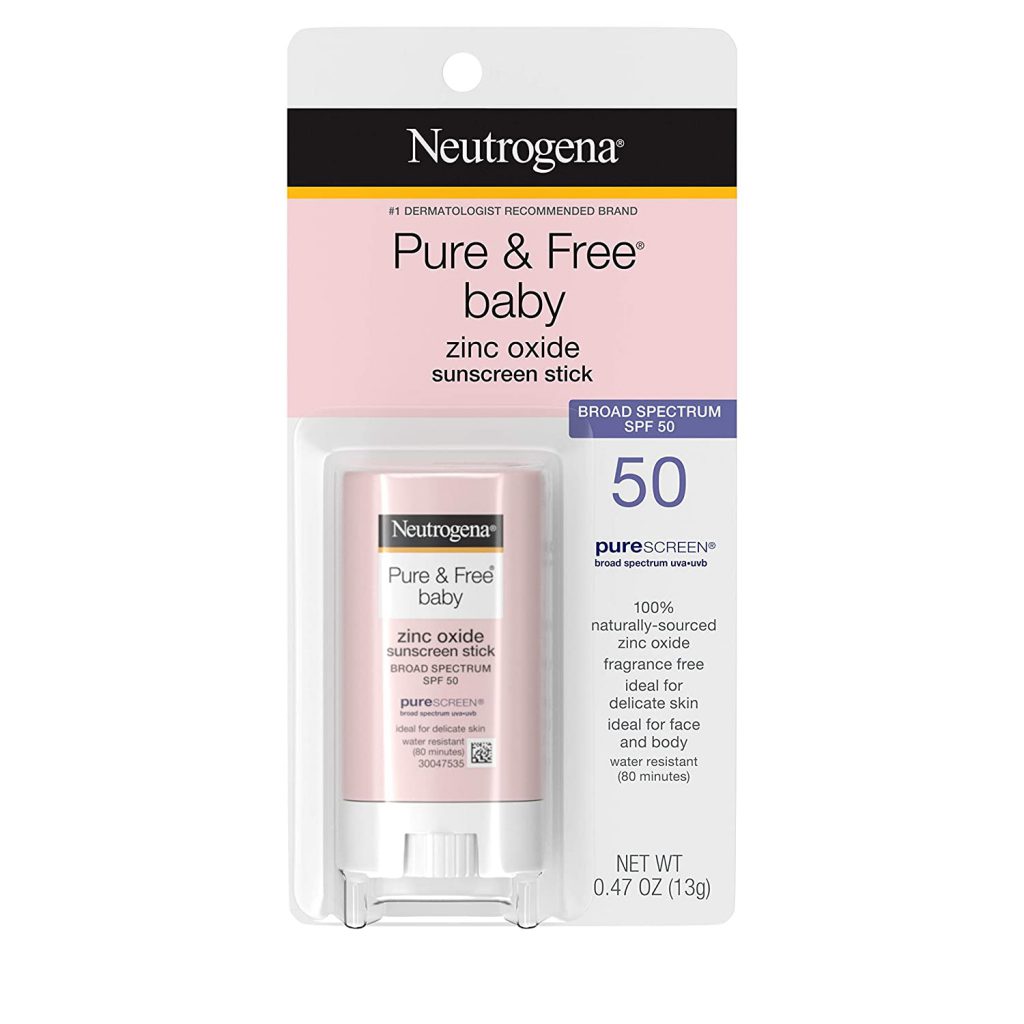
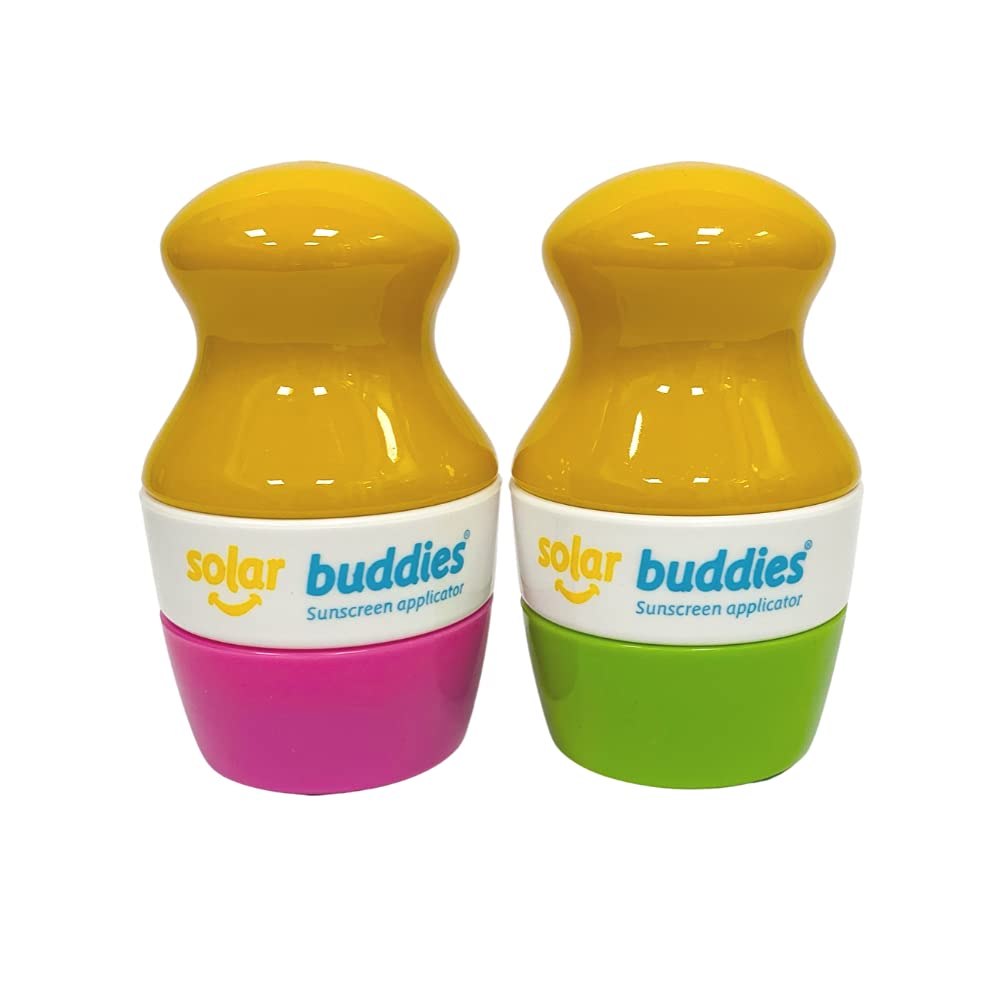
Sunscreen Stick
Solar Buddy

New Year Organization

Posted on December 29, 2019February 24, 2021 By Diabetes Amigo
New Year Organization
Holiday

This post may contain affiliate links. Please see the affiliate disclosure for more details.

The start of a new year is filled with opportunities for a fresh start that can include diabetes management. Here are a few effective ideas that you can implement now that will help you through out the year. #ad

Insurance / FSA / D-Bag / Pump / Supplies / School /
Data / iPhone / Stay Informed

Insurance Review

  • Formulary
    • Review your insurance formulary to make sure there are no changes in your prescription coverage. Many insurance companies change their preferred/tier 1 insulin between Humalog/Novolog/Admelog based on new contract pricing for the year.
  • Renewals
    • Renew your prescriptions if necessary. Some insurance companies require new prescriptions every year, even if there are refills on file. This includes renewals of “Letters of Medical Necessity” as well.
  • Durable Medical Equipment (DME)
    • Continuous Glucose Monitors (CGMs) (i.e., Dexcom, Guardian Connect and Libre) and pump supplies are typically considered DME and cannot be purchase at a local pharmacy. Depending on your insurance, DMEs are covered through a medical supplier or through 90-day prescription benefits. Some insurance plans allow you to fill DME prescriptions through either a medical supplier or through the 90-day pharmacy. It is worth the effort to determine your cheapest price for DME supplies.
  • Refill Dates
    • Auto Refill
      • Determine if your local pharmacy or 90-day prescription supplier offers auto refills. Adding this feature to your refills is a huge time saver through out the year.
    • Calendar
      • Consider starting a family calendar and note refills dates through out the year to keep needed supplies stocked.

FSA Dollars

  • 2019 FSA Dollars
    • Check the balance on your 2019 Flexible Spending Account (FSA) and if funds are present submit receipts or use the funds.
  • 2020 FSA Dollars
    • Funds are available on January 1st for prescriptions and for some over the counter medications like glucose tabs, Blood Ketone Meter, Ketone Urine Test Strips and etc. Check your FSA list for your authorized over the counter supplies.

Diabetes Bag

  • Clean
    • Completely empty the bag and wash it! Place the diabetes bag in a laundry mesh bag before placing in the washing machine and then set outside to air dry.
  • Restock all supplies
    • Make sure your bag has all the necessary diabetes supplies.
    • Check expiration dates on medication, food, batteries, and low supplies.
  • Replace your lancet
    • A new year means a new lancet. Seriously…consider the Accu-Check FastClix lancets for easy lancet changes.

Pump

  • Pump Settings
    • Take pictures of your pump settings/basal rates for reference in case of a pump failure. This is also helpful if basal changes are made and you need to change back to previous basal rates.
    • Check that the time and date settings are correct.

Supply Closet

  • Organize
    • Take out all supplies and reorganize by expiration date to ensure you are using the oldest supplies first before they expire.
    • Donate extra supplies that are not expired and discard expired medications/supplies.

School

  • 504 Plans
    • Review your 504 Plan to make sure any recent changes are included in your plan. Also consider updating the 504 Plan to resolve any ongoing issues. 504 Plan updates are worth the effort to have a good year.
  • School Orders
    • Make sure your school order on file with the Endo matches the 504 plan or request changes include any new updates.
  • Medical Forms for Sports
    • Avoid the August rush for sport forms by getting them done early in the year. Sport forms are typically good for one year and can be completed in advance of spring/summer sports.

iPhone Clean Up

  • Dexcom users that use an iPhone as a receiver can benefit from an iPhone clean-up
    • Storage Space – Dexcom requires open storage space to run and work properly. Check your storage space and delete any unnecessary applications if necessary.
    • Old Transmitters – unpair old transmitters in the Bluetooth settings. Old transmitters that remain as paired devices can effect your phone’s battery efficiency.
    • Medical ID – set up your Medical ID to help first responders access medical information from a locked iPhone screen.
    • Parental Controls – review parental controls to make sure your child’s phone is being used as intended.

Data Review

  • CGM Data
    • Take time to log on to CGM reports like Clarity, Guardian Connect or LibreLink to review the data for basal rates and Insulin to Carb ratios (I:C).
    • Make a list of questions to ask the Endocrinologist about your data during your next appointment.
    • Review Time-in-Range and and set a goal to increase this number. Even if the increase is just 2% more because the A1C value is not the only number you should care about every three months.

Stay Informed

  • Podcast
    • Juicebox Podcast
  • Blog
    • Think Like a Pancreas
  • Conferences
    • TCOYD
    • Children with Diabetes Friends for Life

Recent Posts

  • Cruise with T1D
  • T1D Make Dexcom Stick for 10 Days
  • T1D Make OmniPod Stick for 3 Full Days
  • T1D Making CGMs and Pumps Stick in Water
  • Swimming and T1D Type 1 Diabetes

Archives

  • August 2025
  • June 2023
  • May 2023
  • August 2022
  • April 2022
  • February 2022
  • April 2021
  • February 2021
  • November 2020
  • October 2020
  • May 2020
  • January 2020
  • December 2019
  • September 2019
  • August 2019

Categories

  • Day-to-Day T1D
  • Holiday
  • Kid Stuff
  • Other Stuff
  • Tips
  • Travel
  • Instagram
  • Facebook

Copyright © 2026 Diabetes Amigo.

Theme: Oceanly News by ScriptsTown